
If you are upgrading to Storable Payments from another payment provider, you can activate your Storable Payments account from Storable Edge by following the instructions below.
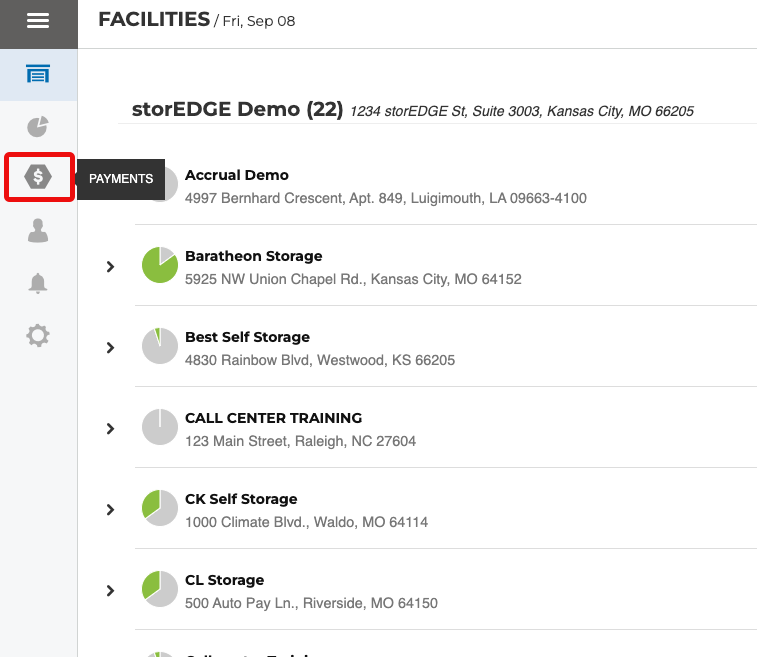
Click the Payments icon from the Corporate Level of your Edge software
Select the Merchant Accounts tab.
Click Activate.
That’s it! Storable Payments is set as your payment processor. You should see a success popup message. If you receive an error message, please contact Support at edgesupport@storable.com or (844) 287-3388.
What’s Next?
Check out our article Storable Payments Overview and FAQ, for all the information you need about Storable Payments.